Claude Cowork : Full Guide, Features & Tutorials
Explore everything about Claude Cowork — Anthropic’s AI collaboration workspace for knowledge work. Features, real-world use cases, limitations, setup guidance, and alternative AI workflows.
What is Claude Cowork
Claude Cowork is an AI collaboration workspace introduced by Anthropic to explore how Claude can support real-world knowledge work. It grew out of user behavior with Claude Code, where developers began using that coding-oriented tool for broader workflows-and Anthropic created Cowork as a simpler way for anyone to work with Claude in a similar way.
Built on the Claude platform, Cowork is designed to help you work with AI across multi-step tasks that involve real documents and ongoing objectives. You can grant Claude access to a defined workspace, allowing work to be organized around files and goals. This shifts Claude from responding to individual prompts to acting more like a digital coworkerthat works with files and tasks over time.
As a research preview in an early alpha stage, Cowork is only available in the Claude Desktop app for macOS and does not sync across devices, which limits access for users on other platforms or plans. For those seeking a Claude Cowork alternative, tools like Kuse provide a web-based AI workspace for Windows and other platforms, enabling it to be used across devices and environments.
Full Feature List: What Claude Cowork Pro Can Do
A comprehensive breakdown of the main capabilities available in Claude Cowork Pro.
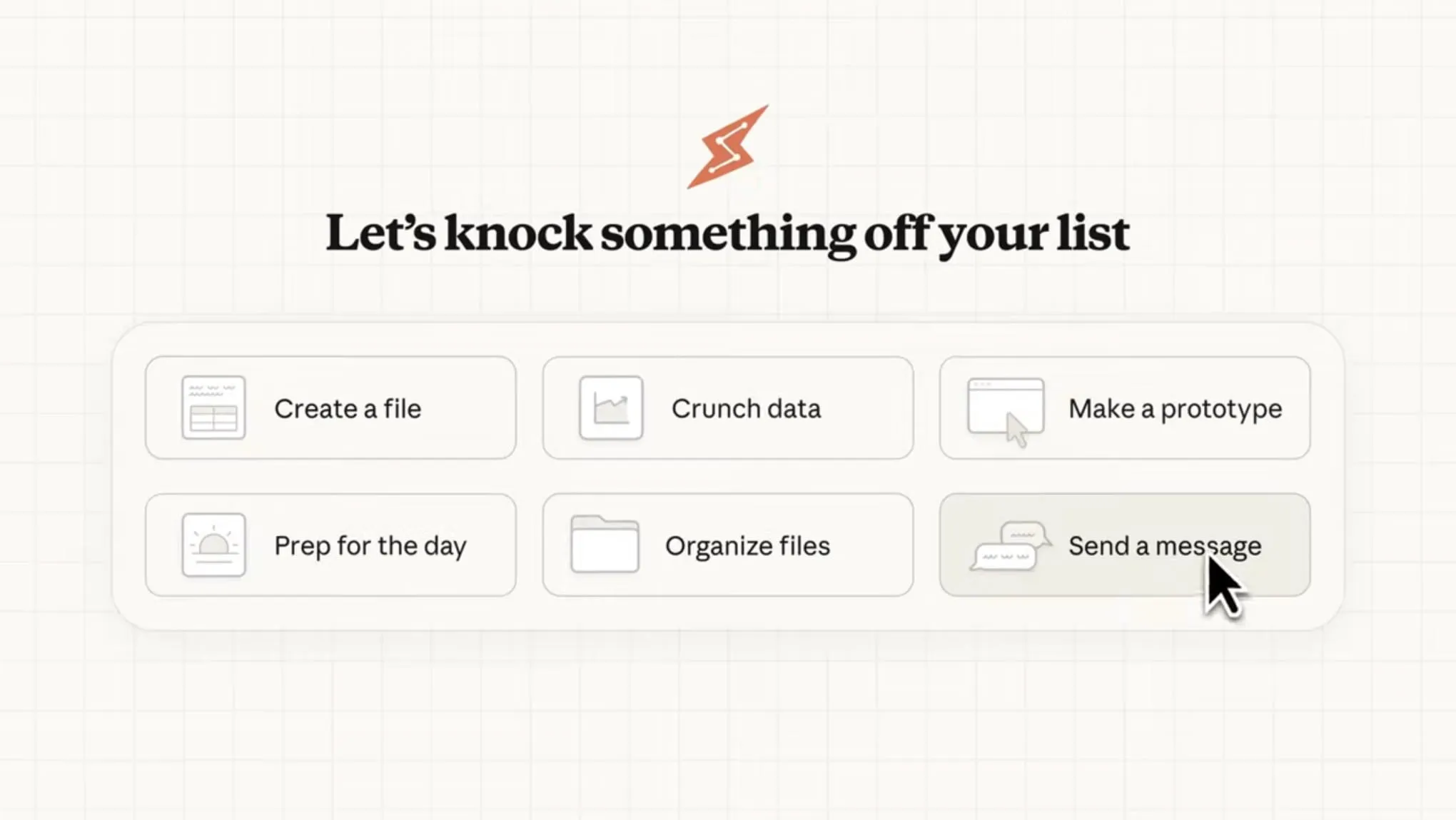
Direct local file access
Claude can read from and write to your local files without manual uploads or downloads.
Sub-agent coordination
Claude breaks complex work into smaller tasks and coordinates parallel workstreams to complete them.
Professional outputs
Generate polished deliverables like Excel spreadsheets with working formulas, PowerPoint presentations, and formatted documents.
Long-running tasks
Work on complex tasks for extended periods without conversation timeouts or context limits interrupting your progress.
Claude Cowork Example Use Cases
Cowork is designed for complex, multi-step work that benefits from file access and extended execution time. Here are some examples:

File and document management
File organization
“Organize my Downloads folder by type and date” — Claude can sort large numbers of files into structured folders.
Receipt processing
Add receipts to a folder and have Claude generate a formatted expense report.
Batch renaming
Apply consistent naming rules, such as YYYY-MM-DD formats, across multiple files.

Research and analysis
Research synthesis
Combine information from web searches, articles, papers, and notes into clear reports or summaries.
Transcript analysis
Extract themes, key points, and action items from meetings, interviews, or lecture recordings.
Personal knowledge synthesis
Analyze notes, journals, or research files to uncover patterns, themes, and connections that may be easy to miss.

Data and analysis
Statistical analysis
Perform outlier detection, cross-tabulation, and time-series analysis on data files.
Data visualization
Generate charts directly from your data.
Data transformation: Clean, process, and reshape datasets.
Data transformation: Clean, process, and reshape datasets.

Document creation
Spreadsheets with formulas
Create Excel files with functional VLOOKUPs, conditional formatting, and multiple sheets, not raw CSVs that require cleanup.
Presentations
Build slide decks from rough notes or meeting transcripts.
Reports from unstructured inputs: Convert voice memos and scattered notes into polished documents.
Reports from unstructured inputs: Convert voice memos and scattered notes into polished documents.
Getting Started with Claude Cowork
Requirements
Claude Desktop app: Cowork requires the desktop app for macOS and is not available on web or mobile.
Max plan subscription: This research preview is available to Max plan subscribers only.
Active internet connection: Required throughout the session.
Accessing Cowork
1. Open Claude Desktop for macOS.Cowork requires the desktop app for macOS and is not available on web or mobile.
2. Look for the mode selector that includes "Chat" and the Cowork tab.
3. Click the Cowork tab to switch modes to “Tasks”.
4. Describe the task you want Claude to complete.
5. Review Claude's approach, then let it run.
How to access Claude Cowork Instantly
If you are restricted by device or subscription requirements, you can try a Claude Cowork alternative such as Kuse instead.
Claude Alternative
Explore tools that address similar AI-driven knowledge work needs beyond Claude Cowork.
Get Started
Use cases
See how AI workflows are applied across real-world tasks, from file management to long-running projects.
Explore Use Cases
Blog
Read deeper explanations, product updates, and perspectives on AI-powered knowledge work.
Explore Blogs
Frequently Asked Questions About Claude Cowork
Everything you need to know about using Claude Cowork Or Kuse.
What is Claude Cowork?
Cowork is Claude’s agentic assistant built right into Claude Desktop. It uses the same powerful architecture as Claude Code — no terminal required.
Instead of handling one prompt at a time, Cowork tackles complex, multi-step tasks end-to-end on your behalf. Simply describe the desired outcome, step away, and return to completed work: polished documents, organized files, synthesized research, structured data, and more.
What are the key capabilities of Claude Cowork?
You can grant Claude access to a specific folder on your computer, allowing it to read, edit, and generate files—such as organizing downloaded documents, creating expense spreadsheets from screenshots, or drafting report outlines. Claude can also plan and execute multi-step tasks independently based on your request, while keeping you informed of progress along the way.
How to use Claude Cowork?
You give Claude access to a specific folder or task context, describe the goal you want to achieve, and let it plan and execute the work autonomously.
Are there any limitations to using Claude Cowork?
Claude Cowork requires the Claude desktop app on macOS and is not available on web or mobile. It is currently limited to Max plan subscribers as part of a research preview, and an active internet connection is required throughout the session.
Is there a good alternative to Claude Cowork?
Yes! Kuse is a strong alternative to Claude Cowork: A web-based AI workspace with a cloud file system that works across devices, built-in delivery templates for one-click outputs, multi-model and multimodal support, and a global workspace memory where files and workflows accumulate so AI understands your work better over time.
What are the similarities and differences between Kuse and Claude Cowork?
Both Kuse and Claude Cowork support AI-driven file management, multi-step agentic workflows, and professional outputs like structured reports and spreadsheets. Kuse goes further with a cloud-based, document-first workspace that provides a persistent AI knowledge base, multi-model and multimodal support, one-click delivery templates, cross-device access, and upcoming team collaboration features.
What file types can Kuse process?
Kuse can process a comprehensive range of file types including documents (PDF, Word, Excel, PowerPoint, Markdown, TXT), images (JPG ), multimedia (Youtube link).
How do I switch between Claude 4.5 and other models on kuse ?
Switching models in Kuse is seamless. Simply use the model selector in the conversation panel to switch between Claude Opus 4.5, Gemini 3.0 Pro, GPT-5.2, or other available models. Your conversation context is preserved, making it easy to compare results or apply different models to specific tasks within the same project.
How do I switch between Claude 4.5 and other models on kuse ?
Switching models in Kuse is seamless. Simply use the model selector in the conversation panel to switch between Claude Opus 4.5, Gemini 3.0 Pro, GPT-5.2, or other available models. Your conversation context is preserved, making it easy to compare results or apply different models to specific tasks within the same project.
Ready to Put Kuse to Work?
Upload your files now to let Kuse organize your stuff andtransform it into professional-grade reports, presentations, and spreadsheets