Claude Cowork FAQ - Your Questions Answered
Whether you're planning your rollout, confirming it works smoothly with your current setup, or ensuring your team is prepared for Claude Cowork, this section covers the questions we hear most often.Need a deeper dive? Explore our comprehensive feature guides or get in touch with support.
Watch Claude Cowork onboarding walkthroughs
Want a step-by-step guided session instead? These videos outline the launch roadmap and demonstrate the routine workflows teams follow to roll Claude cowork out in production.
Implementing your Claude Cowork operational checklist
Walk through the step-by-step roadmap for transitioning from research preview to full desktop automation with your autonomous virtual teammate.
From terminal power to desktop simplicity with Claude Cowork
See how non-developers transform complex manual workflows into autonomous actions using the next evolution of Anthropic’s agentic architecture.
About Claude Cowork
Product
Dive into Claude Cowork’s capabilities, its advantages over other AI assistants, and the practical skills required to put it to work for you.
What is Claude Cowork?
Cowork is Claude’s agentic assistant built right into Claude Desktop. It uses the same powerful architecture as Claude Code — no terminal required.
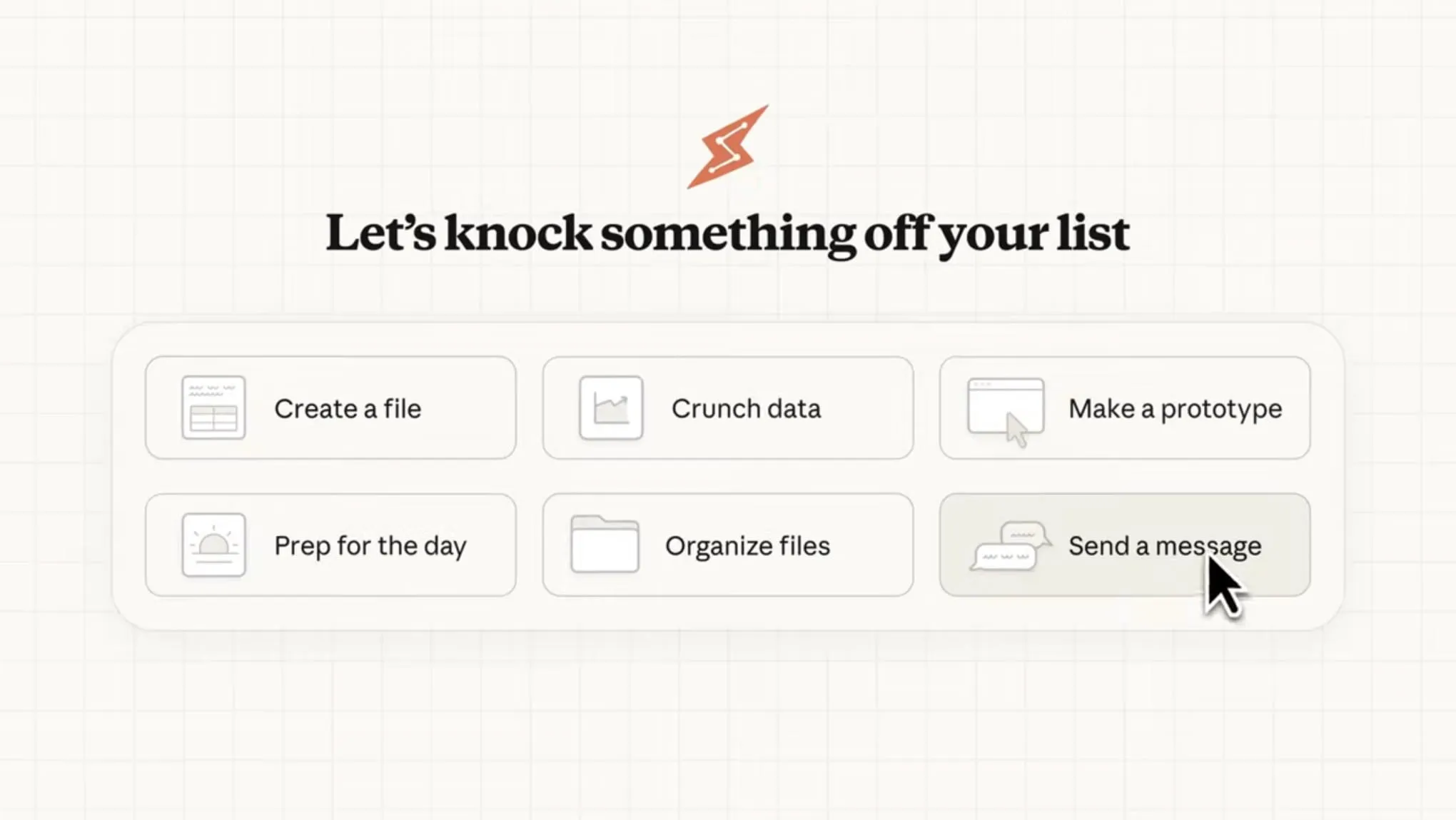
Instead of handling one prompt at a time, Cowork tackles complex, multi-step tasks end-to-end on your behalf. Simply describe the desired outcome, step away, and return to completed work: polished documents, organized files, synthesized research, structured data, and more.
What are the key capabilities of Claude Cowork?
- Seamless local file interaction: Claude Cowork can directly read from and write to files on your computer. No need for manual uploads, downloads, or copy-pasting content.
- Intelligent task decomposition and coordination: For complex projects, Cowork automatically breaks work into manageable steps, coordinates parallel sub-tasks, and brings everything together efficiently.
- High-quality ready-to-use professional outputs: Produce polished deliverables such as fully functional Excel spreadsheets with live formulas, clean formatted documents, structured reports, or presentation slides.
- Extended uninterrupted execution: Handle long-running multi-step workflows without hitting conversation limits, context resets, or forced timeouts. Perfect for projects that take time to complete.
How to get started with Claude Cowork
Requirements
- Claude Desktop app for macOS (Cowork is only available in the desktop app—not on web or mobile)
- Max plan subscription (this research preview is exclusive to Max plan users)
- Stable internet connection (needed throughout the session)
Steps to start using Cowork
- Open the Claude Desktop app on your Mac.
- In the mode selector (where you see "Chat"), find the Cowork tab.
- Click the Cowork tab to switch to “Tasks” mode.
- Describe the task or outcome you want Claude to handle in plain language.
- (Optional) Review Claude’s plan and approach, then let it run independently.
Ready to experience the power of Claude in Kuse? Click here to dive into Claude in Kuse. Need a walkthrough? Jump into our YouTube tutorial for a step-by-step guide to mastering your workflow.
About Claude Cowork
Kuse
See how Claude fits perfectly within the Kuse platform and streamlines your workflow.
Is Claude part of the Kuse platform?
Yes. Claude is fully integrated as a core model tier inside Kuse. You can enable it alongside other leading models like Claude 4.5 Opus/Sonnet, GPT 5.2, Gemini 3 Pro, and image models such as Nano Banana — all without rebuilding your projects.
Switch between them easily per task, and work seamlessly with documents, images, links, and multimodal inputs in one unified workspace.
Claude Cowork vs. Kuse: A Quick Comparison
While Claude Cowork delivers strong agentic features (local file access, task coordination, professional outputs, and long-running execution) within the Claude Desktop app, Kuse takes the same vision further and makes it more practical for everyday knowledge work.
Kuse stands out with:
- A unified intelligent workspace (no mode-switching or desktop-only limits)
- Full multi-model flexibility (Claude, GPT, Gemini, image models like Nano Banana)
- Deeper autonomous file management and multi-step workflows grounded in your real documents
- Better suited for teams with seamless sharing, versioning, and collaboration
In short, Claude Cowork is a solid desktop agent, but Kuse offers a more complete, flexible, and production-ready platform for modern knowledge work.
Kuse at a Glance
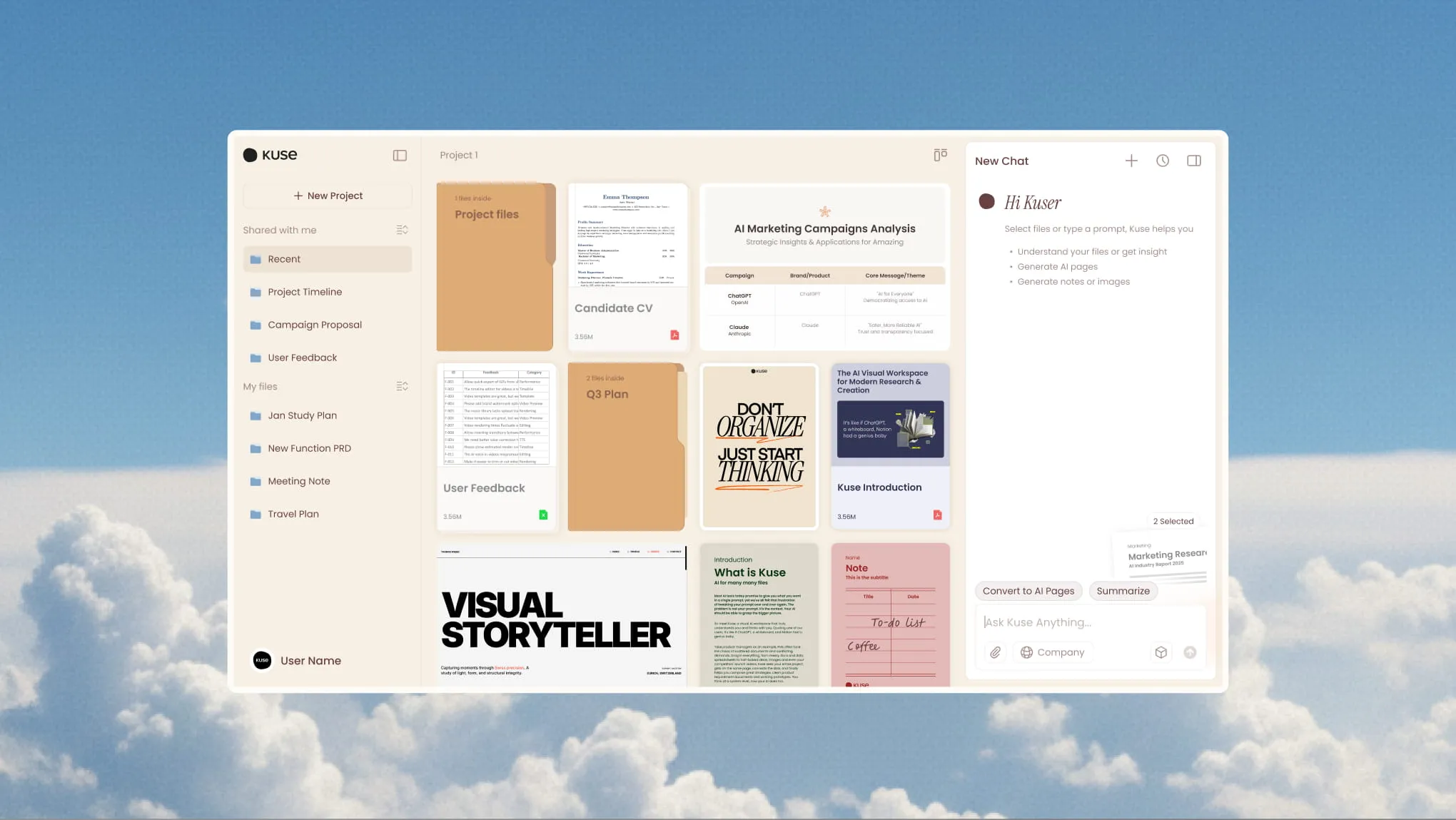
Kuse is your cloud-based digital coworker that organizes your files and turns messy stuff into a structured, AI-powered knowledge base.
Beyond just chat, it functions as a delivery powerhouse, autonomously transforming knowledge into professional reports, slides, and spreadsheets.
Ready to experience the power of Claude in Kuse? Click here to dive into Claude in Kuse. Need a walkthrough? Jump into our YouTube tutorial for a step-by-step guide to mastering your workflow.
About the Launch
Release
Discover the official usage limits, explore advanced security and permissions, and identify current limitations to master your Claude Cowork experience.
How does Cowork affect usage limits?
Cowork tasks consume more of your usage allocation than standard Claude chats, since complex multi-step executions are highly compute-intensive and token-heavy. If you're on a Max plan and frequently hitting limits during this research preview, try batching related work into fewer sessions, reserving Cowork for tasks that truly need file access or extended running time, and regularly checking your personal usage in Settings > Usage.
How does Cowork ensure security and manage permissions?
Cowork utilizes a dedicated Virtual Machine (VM) to create a secure, sandboxed environment for all operations. This architecture ensures that the AI's workspace remains isolated from your primary operating system, providing a robust layer of protection for your local files and system settings. The security benefits of this setup include:
- Controlled environment: Claude operates within defined boundaries, with strictly regulated file and network access.
- Isolation: The VM environment is entirely separate from your main operating system, preventing direct interference.
Regarding permissions, the system functions with the same transparency as standard chat interfaces, ensuring you remain in full command of the AI's capabilities. You have direct oversight over the following:
- MCP Connectivity: You control which Model Context Protocols (MCPs) connect to Claude and the frequency of their permission requests.
- Internet Access: You manage Claude’s ability to access the internet, ensuring data only flows according to your preferences.
What are the current limitations of Cowork?
As a feature preview, Cowork has several temporary constraints:
- No support for projects
- No memory retention across different sessions
- No sharing of chats or artifacts with others
- Available only in the Claude Desktop app for macOS (no cross-device sync)
- Sessions end if the desktop app is closed
Ready to experience the power of Claude in Kuse? Click here to dive into Claude in Kuse. Need a walkthrough? Jump into our YouTube tutorial for a step-by-step guide to mastering your workflow.